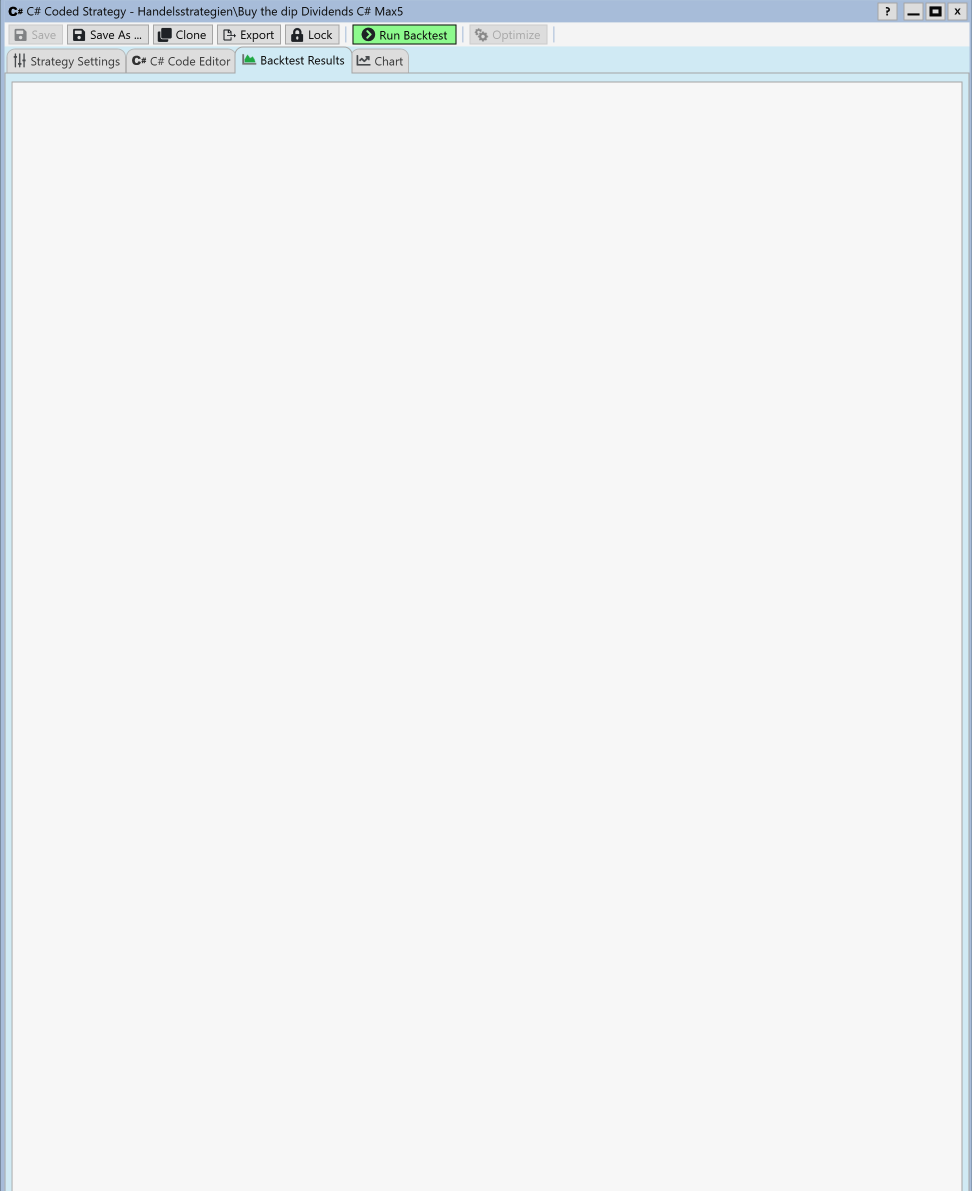
The will happen by design if you don't have any Performance Visualizers checked:
1. Preferences (F1) > Backtest > Performance Visualizers
2. Check desired.
3. Save the Workspace (or Default Workspace)
The new selections will take effect when you open the Strategy in a new Window.
1. Preferences (F1) > Backtest > Performance Visualizers
2. Check desired.
3. Save the Workspace (or Default Workspace)
The new selections will take effect when you open the Strategy in a new Window.
Are there any errors reported in the WL9 log file?
Thanks, I will check that when this happens again.
It happens again, so here is an update (WL9 Build 13):
1. All Performance Visualizers are already checked in Preferences > Backtest > Performance Visualizers, and I opened the Strategy in a new window. The Backtest Results tab is still completely blank after Run Backtest.
2. I noticed that the VisualizerOrder line in %APPDATA%\WealthLab9\Settings.txt still contained "Weights" but not "Holdings" (which is what Preferences shows now). I closed WL9, removed that line and restarted. No change, still blank.
3. Regarding the log: I could not find a log file in %APPDATA%\WealthLab9. Do you mean the in-app Log Viewer, or is there a log file somewhere else? Please tell me where to look and I will post the errors.
1. All Performance Visualizers are already checked in Preferences > Backtest > Performance Visualizers, and I opened the Strategy in a new window. The Backtest Results tab is still completely blank after Run Backtest.
2. I noticed that the VisualizerOrder line in %APPDATA%\WealthLab9\Settings.txt still contained "Weights" but not "Holdings" (which is what Preferences shows now). I closed WL9, removed that line and restarted. No change, still blank.
3. Regarding the log: I could not find a log file in %APPDATA%\WealthLab9. Do you mean the in-app Log Viewer, or is there a log file somewhere else? Please tell me where to look and I will post the errors.
Select Tools, Log Viewer from the menu, any exceptions reported there? Can you send a screen shot of your backtest preferences with the Visualizers section visible?
Your Response
Post
Edit Post
Login is required